Step 1
Choose Your Course
Browse the available degree programmes and select the course that matches your academic goals.
Explore available courses, university-wise academic resources, semester-wise subjects, study notes and previous year question papers on SabkaCode.
Welcome to the SabkaCode Courses directory. This page helps students discover the academic programmes currently listed on the platform and navigate to relevant university-specific study resources. Whether you are looking for management studies, computer applications or another available programme, begin by selecting the course that matches your academic requirements.
After choosing a course, explore the universities available for that programme and continue to the relevant semester and subject. Depending on the available data, you may find study notes, syllabus information, question banks, practical resources and previous year question papers.
SabkaCode is organised around course and subject discovery rather than a generic collection of educational material. Selecting the correct university and subject helps you identify resources that are more relevant to your curriculum and examination preparation.
Select a course below to see its available university listings. Course availability, subject coverage and study resources may vary by programme and university.
Bachelor of Computer Applications
A 3-year undergraduate degree focused on computer applications and programming.
Bachelor of Business Administration
An undergraduate degree focused on business administration, management and organisational practices.
Master of Computer Applications
A postgraduate degree for students aiming to specialise in computer applications.
Master of Business Administration
A postgraduate management degree covering finance, HR, marketing and operations.
Use the course directory as your starting point. Following the available academic structure makes it easier to identify relevant subjects and resources.
Step 1
Browse the available degree programmes and select the course that matches your academic goals.
Step 2
Explore the university listings available for your selected course and check the applicable curriculum.
Step 3
Follow the available semester and subject structure to locate relevant academic resources.
Step 4
Use available notes, syllabus information, question papers and other learning resources to prepare.
The same degree may have different subject structures, semester arrangements and assessment requirements at different universities. For this reason, choose the university associated with your own programme before using course-specific learning material.
AKTU: Students associated with Dr. A.P.J. Abdul Kalam Technical University should check the relevant programme, semester and applicable syllabus when preparing for their examinations.
DBRAU: Students associated with Dr. Bhimrao Ambedkar University, Agra should similarly verify their course structure, subject details and academic session before using study material.
The universities shown for a particular course depend on the current directory data. Consult official university documents for authoritative syllabus information.
Understanding a programme's general academic focus can help you plan your learning. The following descriptions are introductory guides; actual subjects depend on the specific university and course curriculum.
Management programmes focus on business knowledge, organisational processes, communication and decision-making. Depending on the course and university, students may study accounting, economics, marketing, finance, human resources, operations and business strategy.
Examples: BBA, MBA and other available management programmes
Computer applications programmes develop knowledge of computing, programming and information technology. Depending on the curriculum, students may work with programming languages, databases, data structures, computer networks, operating systems and software development.
Examples: BCA, MCA and other available computing programmes
Additional degree programmes can cover engineering, pharmacy, science, commerce and other academic disciplines. Subject structures, practical requirements and eligibility criteria differ by programme and institution, so always consult the applicable university information.
Examples: Other courses currently listed in the directory
Good examination preparation combines syllabus understanding, concept revision and regular practice. Explore the resources available for your course and use each resource according to your learning needs.
Study notes help you review concepts, understand definitions and revise topics covered in your subjects. Choose material relevant to your course, university and academic session rather than relying entirely on generic notes.
A syllabus provides the framework for your preparation. Check the applicable subject names, prescribed units and assessment requirements before organising your study schedule.
Practise with available previous year question papers to become familiar with question formats, improve time management and identify areas that need further revision. Past questions do not guarantee future examination questions.
Combine concept learning, written practice, revision and subject-specific exercises. For technical programmes, include coding, numerical problem-solving and practical work whenever your syllabus requires them.
Find available papers by course, university and subject to practise examination-style questions.
Identify prescribed units and topics, note the assessment requirements and divide the syllabus into manageable study sessions.
Read relevant notes, explain concepts in your own words and practise questions. For computing subjects, include coding and problem-solving wherever applicable.
Attempt available question papers, check your mistakes and revise weaker topics before moving on to the next stage of preparation.
SabkaCode displays the courses returned by its current course directory. Available programmes can include management and computer applications courses such as BBA, BCA, MBA and MCA, depending on the active listings. Check the course cards above for the current options.
Select your course and follow the available university, semester and subject navigation. You can then check which notes and other study resources are available for that particular subject.
SabkaCode includes university-specific listings, including AKTU and DBRAU where the relevant course data is available. University availability varies by programme. Open a course to check its current university options.
Where semester and subject data is available, you can follow the course directory to find relevant academic resources. Always confirm that the semester and subject match your own programme and applicable syllabus.
Previous year question papers are available for subjects where paper data has been added to the platform. You can also visit the Papers section to explore the available question papers.
Begin with your applicable syllabus, divide the prescribed topics into a study plan, revise concepts using relevant notes and practise questions. Use previous year papers as practice material and include practical exercises where required.
No. Notes and other resources are supplementary learning material. Use official university syllabi and academic notices as your primary references for prescribed topics, assessment requirements and syllabus updates.
Additional course listings can be introduced as the corresponding programme and university data becomes available. Refer to the live course directory for the programmes currently listed.
Explore the available courses, select your university and open the subjects relevant to your programme. Use the available study resources alongside the applicable official syllabus to organise your preparation.
Sponsored
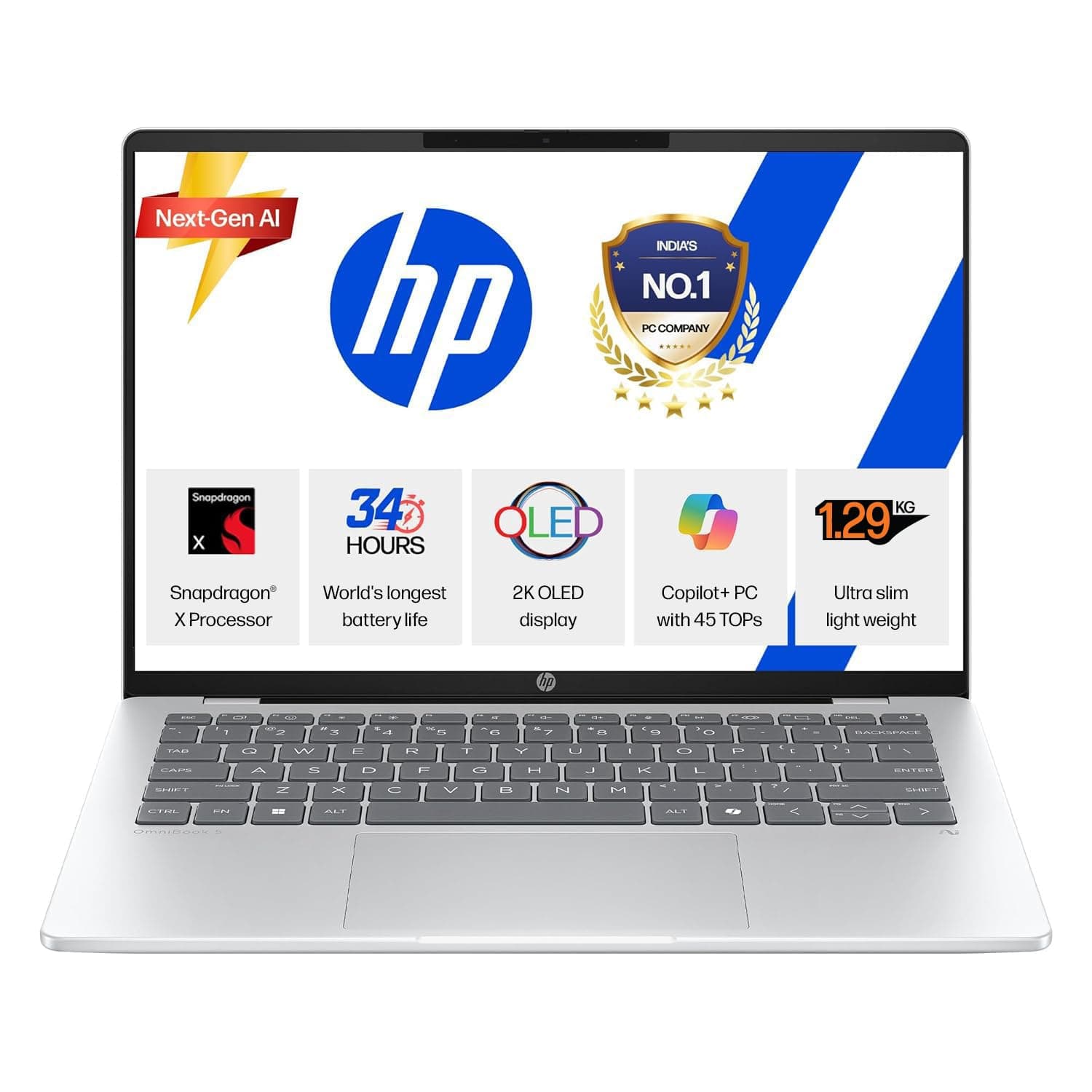
HP OmniBook 5 OLED (Previously Pavilion), Snapdragon X Processor 45 Tops (16GB LPDDR5x, 1 TB SSD), 2K 14''/35.6cm, Win11, Office24, Silver, 1.29kg, he0015QU, Multi-Day Battery, AI Laptop
HP OmniBook 5 OLED (Previously Pavilion), Snapdragon X Processor 45 Tops (16GB LPDDR5x, 1 TB SSD), 2K 14''/35.6cm, Win11, Office24, Silver, 1.29kg, he0015QU, Multi-Day Battery, AI Laptop